Simple Text Tutorial
* 1. Preparation: Operations in the Control Panel (First, you need a serv00 or CT8 account)
Before you start, you’ll need to complete three tasks in the web management panel at panelxx.serv00.com or panel.ct8.pl:
- Add a Website: (Skip this if you’re using the default domain) You need to add a dedicated domain or subdomain for 2FAuth.
- Example:
dnsgo.ct8.pl. (Don’t forget to set up DNS and add an SSL certificate) - When adding the website in the panel, make sure the site type is PHP (skip this if using the default domain).
- The system will create a directory for you, usually at
~/domains/dnsgo.ct8.pl/(replace with your own domain).
- Example:
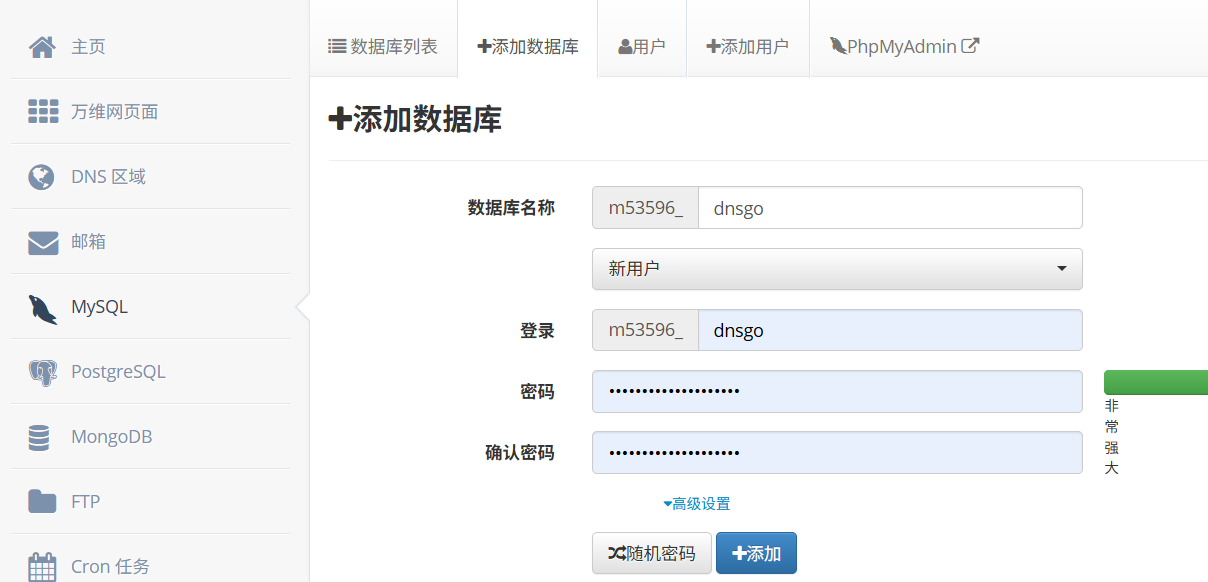
- Create a Database: 2FAuth needs a database to store its data.
- In the panel, find “MySQL” → “Add database”.
- Create a new database (e.g.,
m55665_2fauth). - Create a new database user (e.g.,
m55665_2fauth) and set a strong password. - Important: Write down your database name, username, and password.
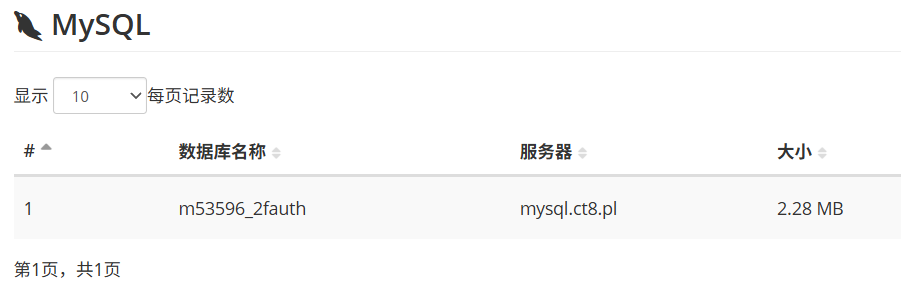
- Important: Also note your Database Host. On
CT8, it is notlocalhost—it’s usuallymysql.ct8.pl. (serv00 users: check the registration email for details; it also appears in the panel.) - For example
-
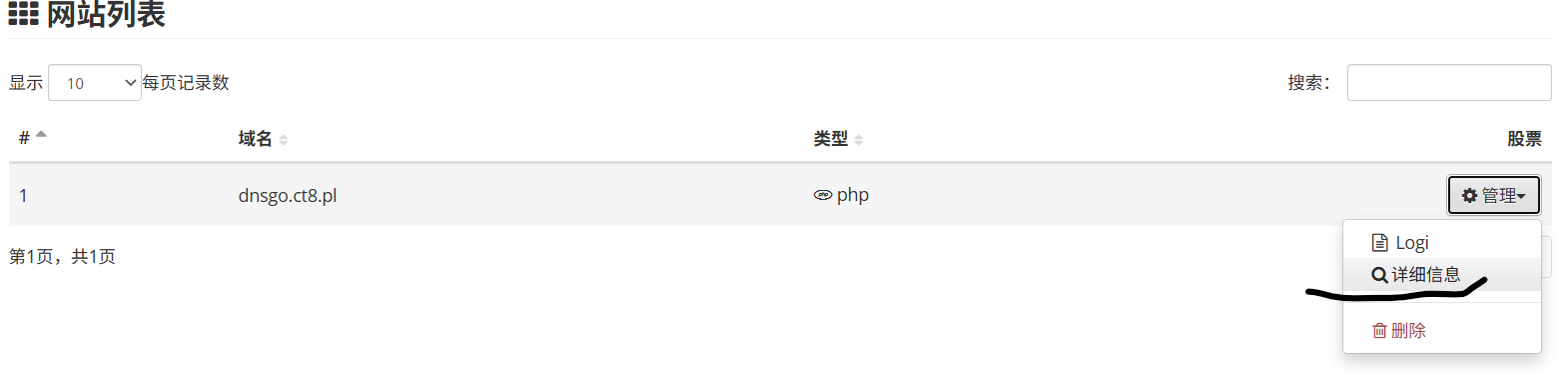
- Modify Website Settings
- Next to your domain, click “Manage”.
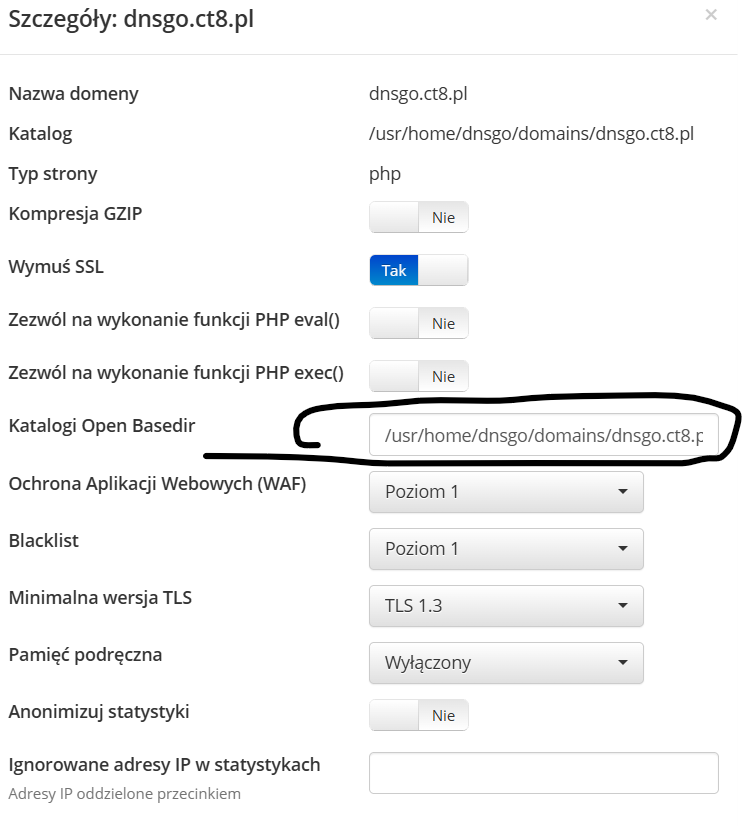
- You’ll see a lot of setting options. Find the text box named “PHP open_basedir”.
- Change
/usr/home/dnsgo/domains/dnsgo.ct8.pl/public_html:/tmp:/usr/share:/usr/local/share:/dev(replace with your domain) - to
/usr/home/dnsgo/domains/dnsgo.ct8.pl/:/tmp:/usr/share:/usr/local/share:/dev(replace with your domain) - The purpose is to expand the path restriction to your domain’s root directory.
* 2. SSH Command Line Operations
-
- Enter your website directory and delete the default root directory public_html folder
cd ~/domains/dnsgo.ct8.pl/(replace with your domain)rm -rf public_html
-
- Download and install 2FAuth (To keep things tidy, I put 2FAuth in the app subdirectory)
git clone https://github.com/Bubka/2FAuth.git app- Go into the newly downloaded app directory
cd app- Download the Composer installer
php -r "copy('https://getcomposer.org/installer', 'composer-setup.php');"- Run the installer
php composer-setup.php- Use Composer to install 2FAuth’s dependencies
php composer.phar install --prefer-dist --no-scripts
-
- Run the 2FAuth installation wizard:
-
php artisan 2fauth:install -
The wizard will ask a series of questions. Enter the database details you noted earlier:
    URL (Your website link): Enter the address from Step 1 with https, for example: https://dnsgo.ct8.pl

    Database type: Enter mysql

    Database host: Enter mysql.ct8.pl (the one you noted, serv00 will be different)

    Database port: Just press enter (default 3306)

    Database name: Enter m55665_2fauth (the one you noted)

    Database user: Enter m55665_2fauth (the one you noted)

    Database password: Enter the password you set (the one you noted)

It will automatically configure the .env file and initialize the database.
`
-
- Create a “shortcut” called public_html to point directly to the app/public directory.
- Go back to your domain directory
cd ..orcd ~/domains/dnsgo.ct8.pl/(replace with your domain)- Create the shortcut
ln -s app/public public_html- Want to check?
ls -l - You should see something like:
lrwxr-xr-x 1 dnsgo 1000 10 7 lis 05:41 public_html -> app/public
* All done! Visit your domain now, e.g.: https://dnsgo.ct8.pl
Note: The first registered user will be the admin
Result:
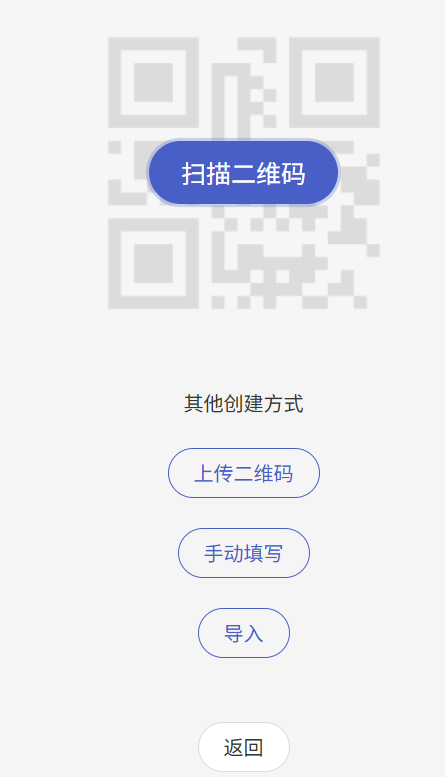
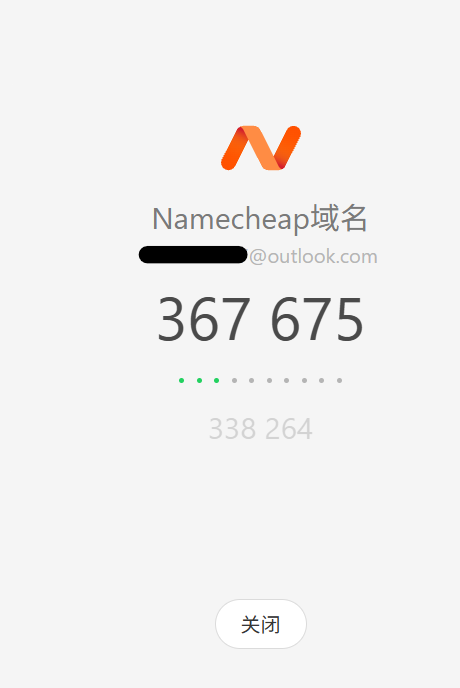
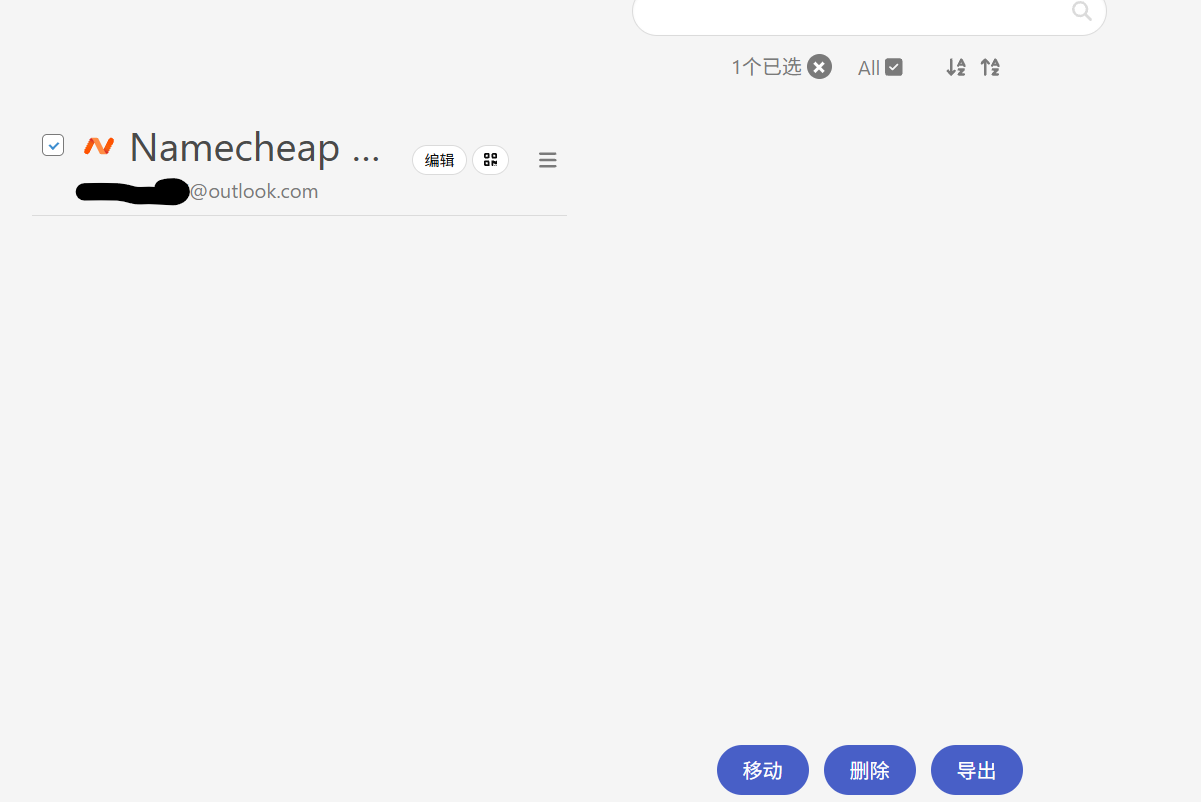
You can export backups at any time
* Advanced Usage:
-
- Use the built-in mail server on serv00 or ct8 to set up email.
- You just need to edit the
.envconfig file in the app directory - Enter the app directory
cd ~/domains/dnsgo.ct8.pl/app/- Open the .env file
nano .env- Edit the Mail section:
- MAIL_MAILER=smtp
MAIL_HOST=your SMTP address # Mine on ct8 is s1.ct8.pl; for serv00, check your email
MAIL_PORT=465
MAIL_USERNAME=your full email address
MAIL_PASSWORD=your email password # If your password has special characters, wrap it in English double quotes “”
MAIL_ENCRYPTION=ssl
MAIL_FROM_ADDRESS=your sender email address
MAIL_FROM_NAME=“2FAuth” - Clear the config cache to apply the new settings:
php artisan config:cache- Done! Now, if you forget your password, just click reset password—you’ll receive a reset link by email.
Uh, I had some other advanced tricks in mind, but they’re a bit complicated…
If you find this too much hassle, you can use the one I just set up: https://dnsgo.ct8.pl/ (For temporary use, you can just make up an email.) (Registration now closed. Using it for myself, works great.)
(Polish server, a bit slow—it’s still best to use your own domain with a CDN. To prevent me from snooping, you can create, export, then delete. Just as a backup solution. Leave a like 
 )
Actually, using Docker is easier—check the official docs: https://docs.2fauth.app/

