Build your own dedicated cloud drive at zero cost using Cloudflare R2 + WordPress with a plugin.
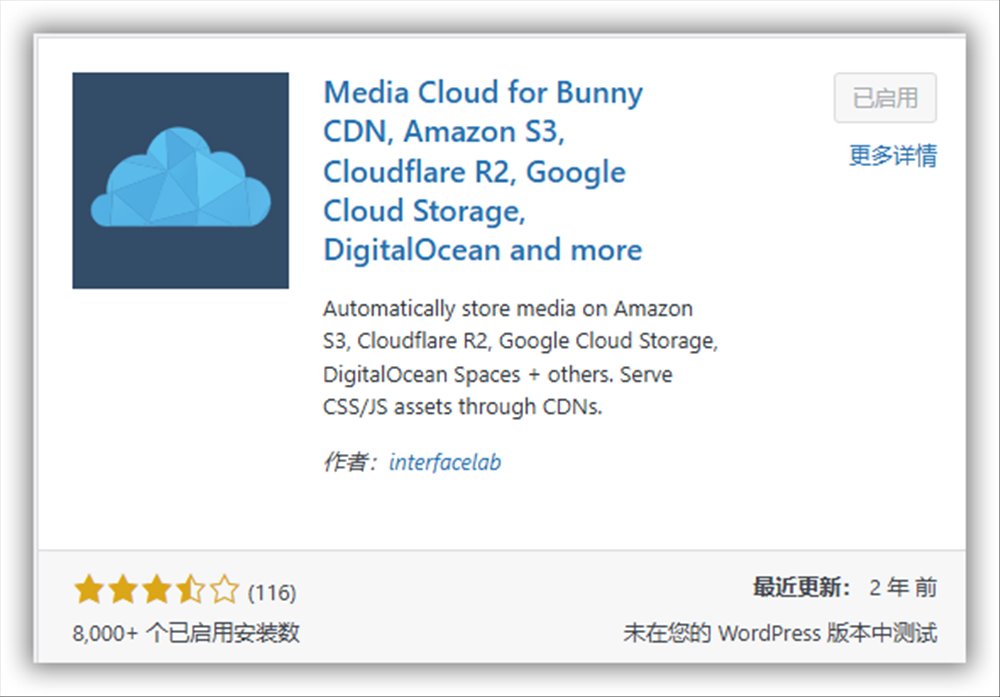
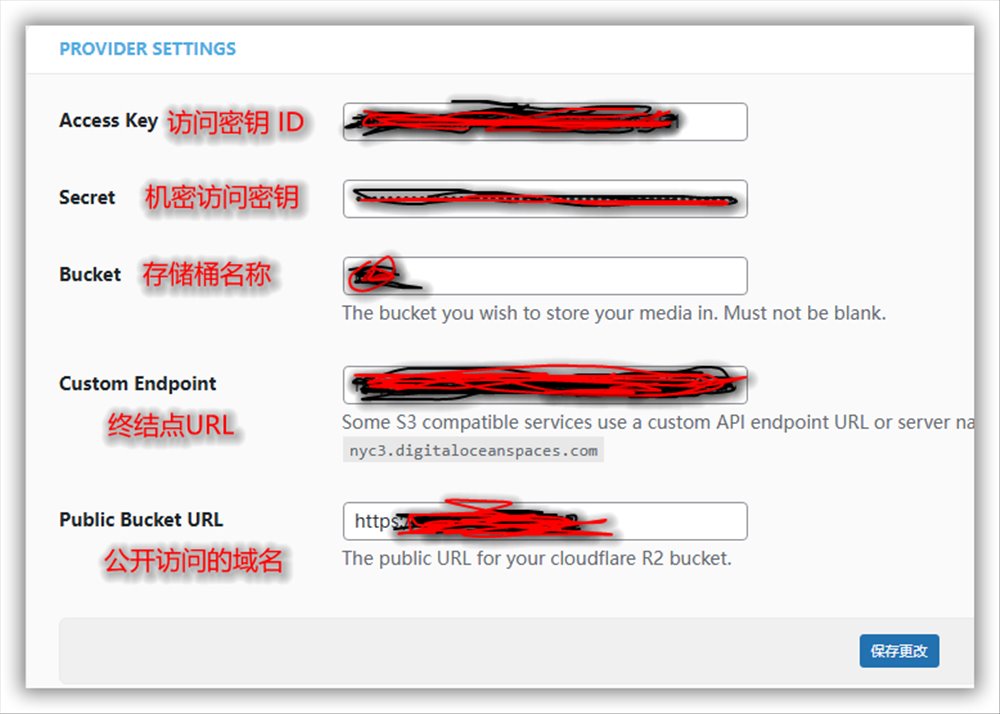
R2 plugin name: Media Cloud
Related settings
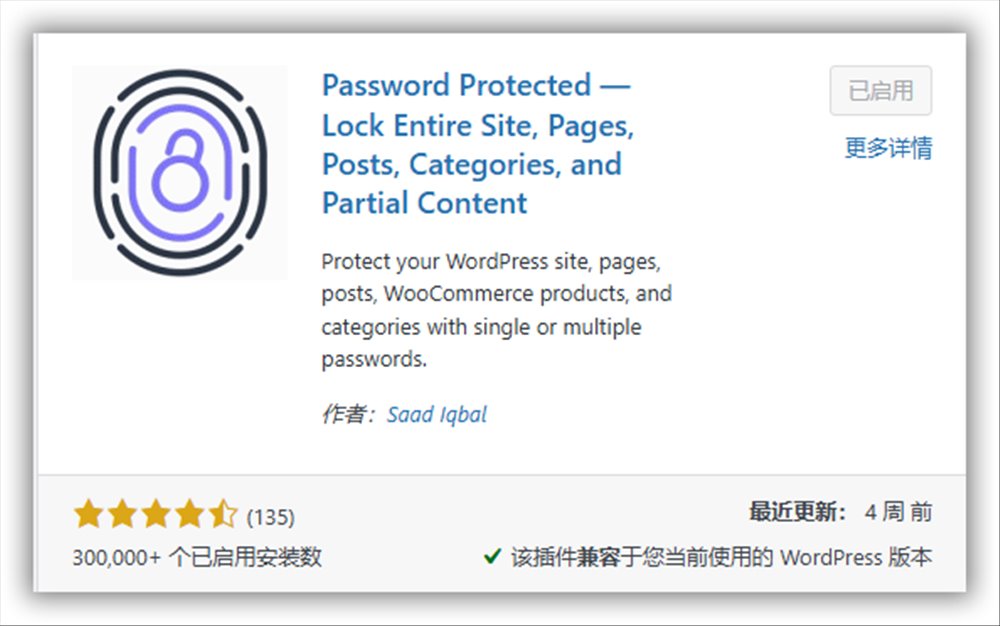
Site‑wide encryption plugin name: Password Protected
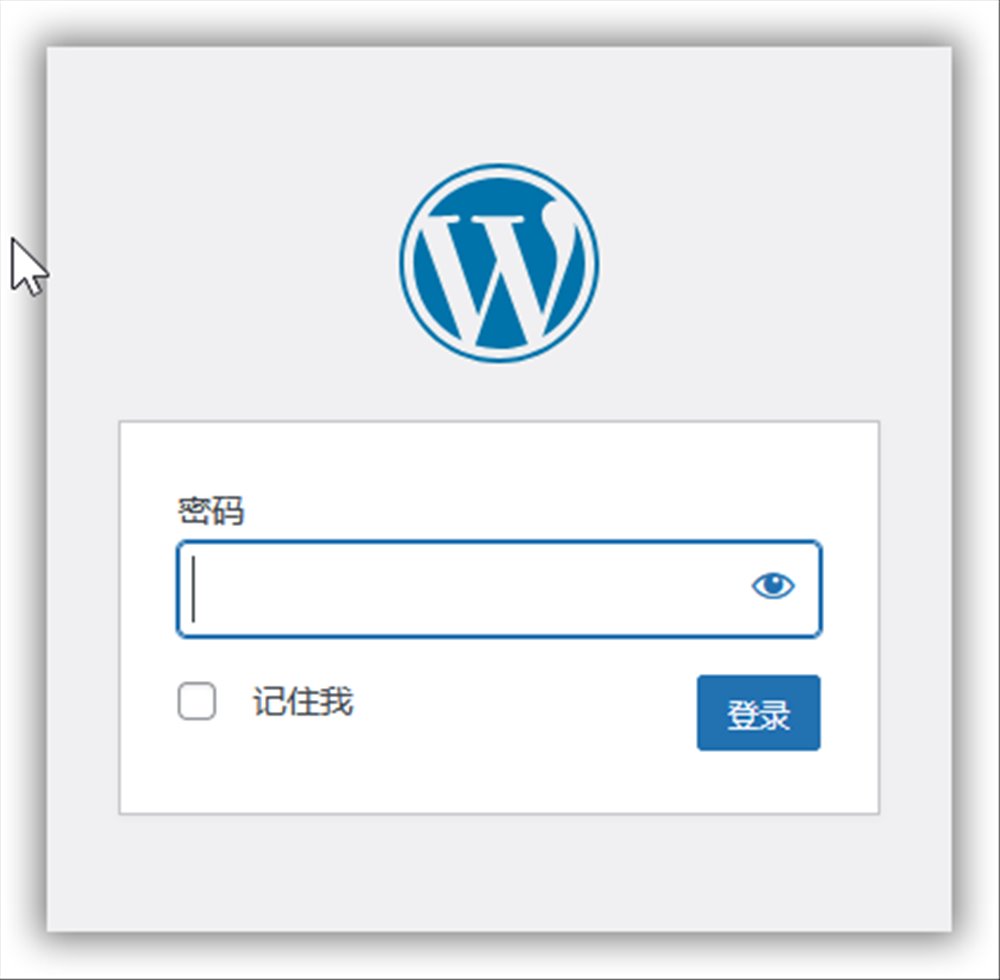
After enabling site‑wide encryption, accessing any page requires a password. This password is set separately and is not the WordPress login password.
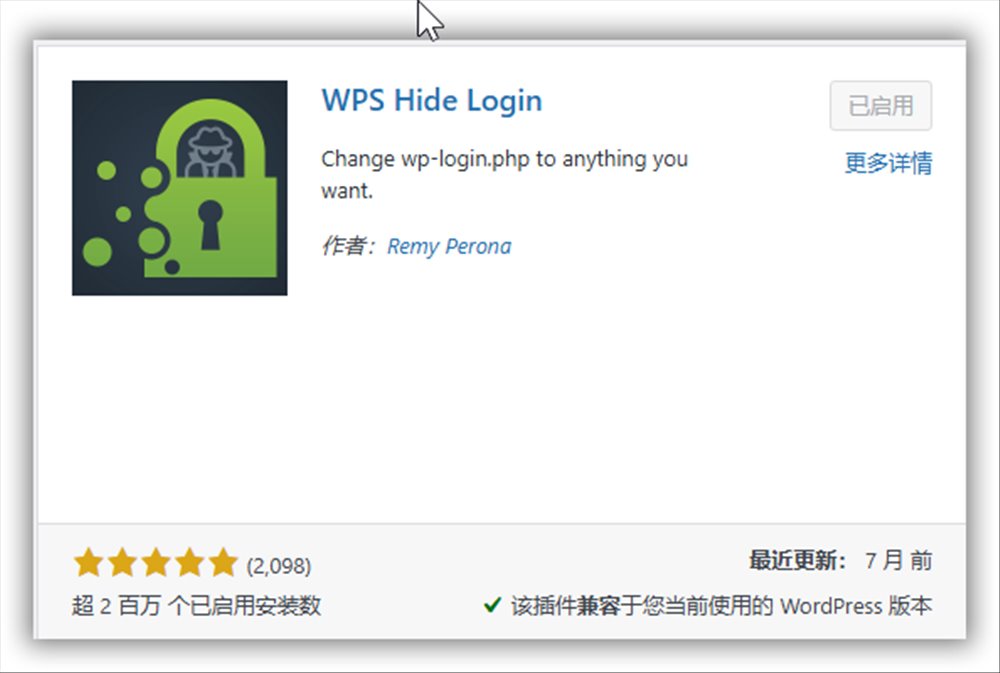
If you’re concerned about security, you can also install a plugin that changes the WordPress login URL: WPS Hide Login
12 Likes
lovoup
November 7, 2025, 12:53pm
2
Is there such a requirement?
Thank you for sharing, I learned.
zhangyx
November 7, 2025, 1:07pm
4
The image hosting is also good
M2026
November 7, 2025, 1:09pm
5
Thank you, OP, for sharing the detailed tutorial on Cloudflare R2! I’ll study it!
1 Like
Foxx
November 7, 2025, 1:37pm
8
How much storage does R2 have?
trial
November 7, 2025, 1:43pm
9
Don’t act like a big do‑gooder
1 Like
srv
November 7, 2025, 2:04pm
13
Also upvote the OP, brilliant ideas
2 Likes
beteC
November 7, 2025, 2:07pm
14
Thank you for sharing the detailed steps.
azhaoyihao
November 7, 2025, 2:35pm
15
Thank you for sharing the tutorial
rsky
November 7, 2025, 3:07pm
16
I’m giving up R2 now—if it gets wiped, I’d have to spend silver!
1 Like
Thanks for sharing, I’ll study it.
unpack
November 8, 2025, 12:19am
20
Thanks for the great tutorial